Analytics & Reporting
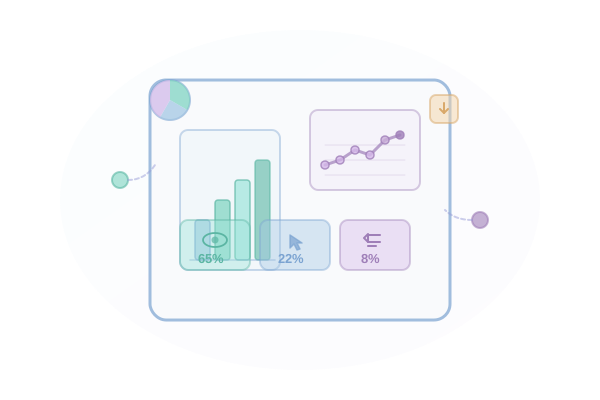
Track opens, clicks, replies, and conversions across all sequences. Understand what works and optimize your outreach strategy.
Key Benefits
Why Analytics & Reporting matters for your email outreach.
-
Real-time metrics for all sequences
-
Reply detection and tracking
-
Conversion tracking with custom goals
-
Exportable reports and dashboards
How It Works
Step-by-step guide to using Analytics & Reporting.
1
View sequence performance in real-time dashboards
2
Drill down into individual email step performance
3
Track reply rates and sentiment
4
Set up custom conversion goals
5
Export data for deeper analysis
Use Cases
See how teams use Analytics & Reporting in practice.
Sales Development Representatives
Sales Teams
Low reply rates from cold outreach
Increase reply rates by 2-3x
Explore this workflowTalent Acquisition Professionals
Recruiters
Passive candidates not responding to outreach
Reach 5x more candidates in same time
Explore this workflowMarketing & Growth Agencies
Agencies
Managing campaigns across multiple clients
Manage unlimited client accounts
Explore this workflowNonprofit & Political Campaigns
Fundraising
Reaching lapsed donors
Re-engage lapsed donors
Explore this workflowFrequently Asked Questions
We track sends, deliveries, opens, clicks, replies, bounces, unsubscribes, and custom conversion events.
Our reply detection uses inbox scanning and IMAP monitoring for near 100% accuracy on supported providers.
Yes, you can compare multiple sequences side-by-side or run A/B tests with statistical significance tracking.
Define conversion events like "meeting booked" or "trial started" and track them through the platform or API.