Advanced Personalization
Go beyond first name. Use conditional content, dynamic variables, and intelligent fallbacks to make every email feel personal.
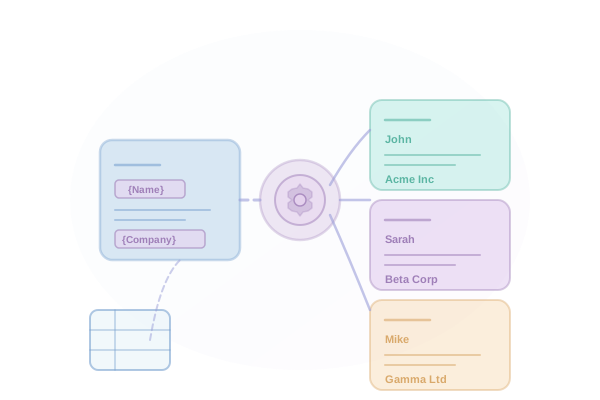
Key Benefits
Why Advanced Personalization matters for your email outreach.
-
Merge tags for any contact field
-
Conditional content blocks based on recipient data
-
Spintax support for variation
-
Fallback values for missing data
How It Works
Step-by-step guide to using Advanced Personalization.
1
Import contacts with custom fields
2
Use merge tags in your email templates
3
Add conditional logic for different segments
4
Set fallback values for missing data
5
Preview emails with real contact data
Use Cases
See how teams use Advanced Personalization in practice.
Sales Development Representatives
Sales Teams
Low reply rates from cold outreach
Increase reply rates by 2-3x
Explore this workflowTalent Acquisition Professionals
Recruiters
Passive candidates not responding to outreach
Reach 5x more candidates in same time
Explore this workflowNonprofit & Political Campaigns
Fundraising
Reaching lapsed donors
Re-engage lapsed donors
Explore this workflowFrequently Asked Questions
Any field in your contact record: name, company, job title, location, industry, or custom fields you define.
You can set fallback values for any field. For example, use "there" if first name is missing.
Yes, show or hide content blocks based on any contact field value using our conditional syntax.
Spintax lets you define variations: {Hello|Hi|Hey} {First Name} generates unique combinations for each send.