Sequence Builder
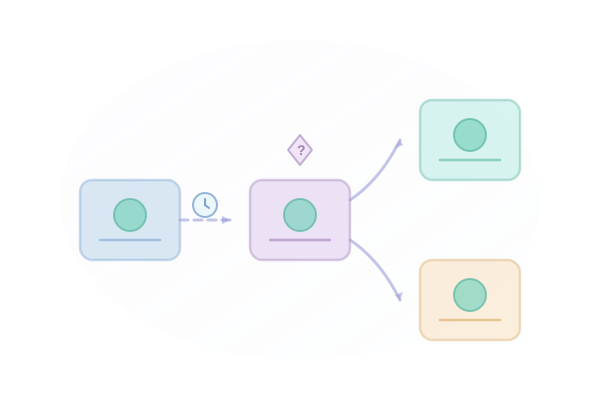
Create sophisticated follow-up sequences with our intuitive drag-and-drop builder. Add delays, conditions, and personalization to maximize engagement.
Key Benefits
Why Sequence Builder matters for your email outreach.
-
Visual sequence builder with drag-and-drop interface
-
Conditional logic based on recipient actions
-
A/B test different approaches
-
Template library for common sequences
How It Works
Step-by-step guide to using Sequence Builder.
1
Create a new sequence from scratch or template
2
Add email steps with customizable delays
3
Insert personalization variables
4
Set up conditional branches based on opens/clicks/replies
5
Preview and test before launching
Use Cases
See how teams use Sequence Builder in practice.
Sales Development Representatives
Sales Teams
Low reply rates from cold outreach
Increase reply rates by 2-3x
Explore this workflowTalent Acquisition Professionals
Recruiters
Passive candidates not responding to outreach
Reach 5x more candidates in same time
Explore this workflowNonprofit & Political Campaigns
Fundraising
Reaching lapsed donors
Re-engage lapsed donors
Explore this workflowFrequently Asked Questions
Sequences can have up to 20 steps on Professional plans and unlimited steps on Enterprise.
Yes, you can pause, modify, or stop any sequence at any time. Active sends will complete, but no new emails will be scheduled.
We support first name, last name, company, job title, and any custom fields you import with your contact list.
Absolutely. You can duplicate any sequence to use as a starting point for a new campaign.