Email Warmup
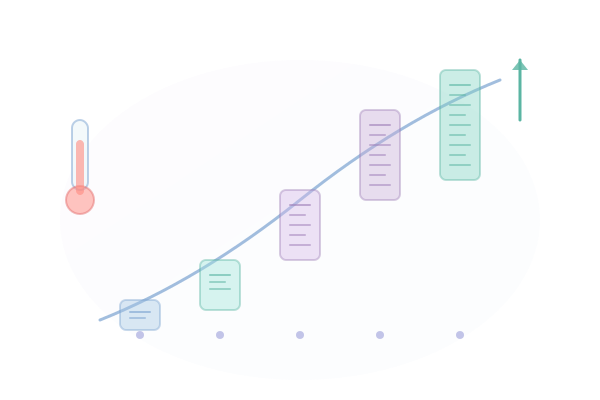
Protect new or cold inboxes with automated warmup sequences. We gradually increase sending volume while monitoring reputation signals.
Key Benefits
Why Email Warmup matters for your email outreach.
-
Automated warmup schedules based on best practices
-
Gradual volume increases to build reputation safely
-
Real-time monitoring during warmup period
-
Customizable warmup duration and pace
How It Works
Step-by-step guide to using Email Warmup.
1
Enable warmup mode for new or cold inboxes
2
Choose a warmup schedule (conservative, moderate, or aggressive)
3
We send gradually increasing volumes of engagement emails
4
Monitor reputation signals throughout the warmup
5
Transition to full sending when warmup completes
Use Cases
See how teams use Email Warmup in practice.
Sales Development Representatives
Sales Teams
Low reply rates from cold outreach
Increase reply rates by 2-3x
Explore this workflowMarketing & Growth Agencies
Agencies
Managing campaigns across multiple clients
Manage unlimited client accounts
Explore this workflowCompatible Integrations
Integrations that work with Email Warmup.



Frequently Asked Questions
Typical warmup periods range from 2-6 weeks depending on the chosen schedule and inbox provider.
Yes, but with limited volume. The warmup schedule sets daily send limits that gradually increase.
We automatically pause or slow down warmup if we detect reputation issues, then resume when signals improve.
Not required, but highly recommended for new domains, new inboxes, or inboxes that have been inactive for 30+ days.