Inbox Rotation
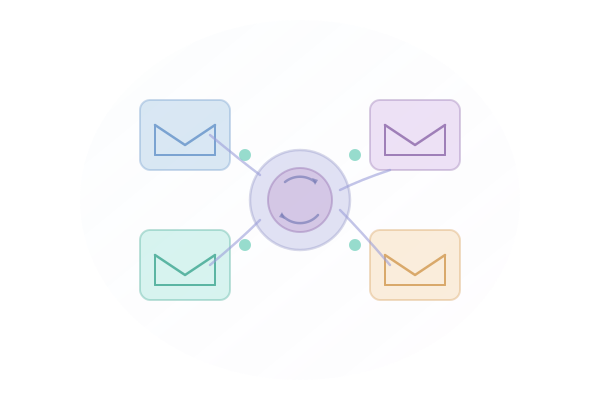
Maximize deliverability by rotating sends across your connected inboxes. Our intelligent rotation system balances load and respects per-inbox limits.
Key Benefits
Why Inbox Rotation matters for your email outreach.
-
Protect sender reputation by spreading volume
-
Automatically balance load across all connected inboxes
-
Set per-inbox daily limits
-
Track performance by inbox
How It Works
Step-by-step guide to using Inbox Rotation.
1
Connect multiple inboxes to your account
2
Configure rotation strategy (round-robin, weighted, or performance-based)
3
Set daily send limits per inbox
4
MailSequence automatically distributes your sequences
5
Monitor inbox health and performance in real-time
Use Cases
See how teams use Inbox Rotation in practice.
Sales Development Representatives
Sales Teams
Low reply rates from cold outreach
Increase reply rates by 2-3x
Explore this workflowMarketing & Growth Agencies
Agencies
Managing campaigns across multiple clients
Manage unlimited client accounts
Explore this workflowCompatible Integrations
Integrations that work with Inbox Rotation.



Frequently Asked Questions
The number of inboxes depends on your plan. Starter allows 3 inboxes, Professional allows 10, and Enterprise is unlimited.
Yes, you can configure daily send limits individually for each connected inbox.
We support round-robin (equal distribution), weighted (based on inbox capacity), and performance-based (prioritizing high-performing inboxes).
No, rotation happens transparently. Recipients see a consistent sender, and your sequences execute as designed.